
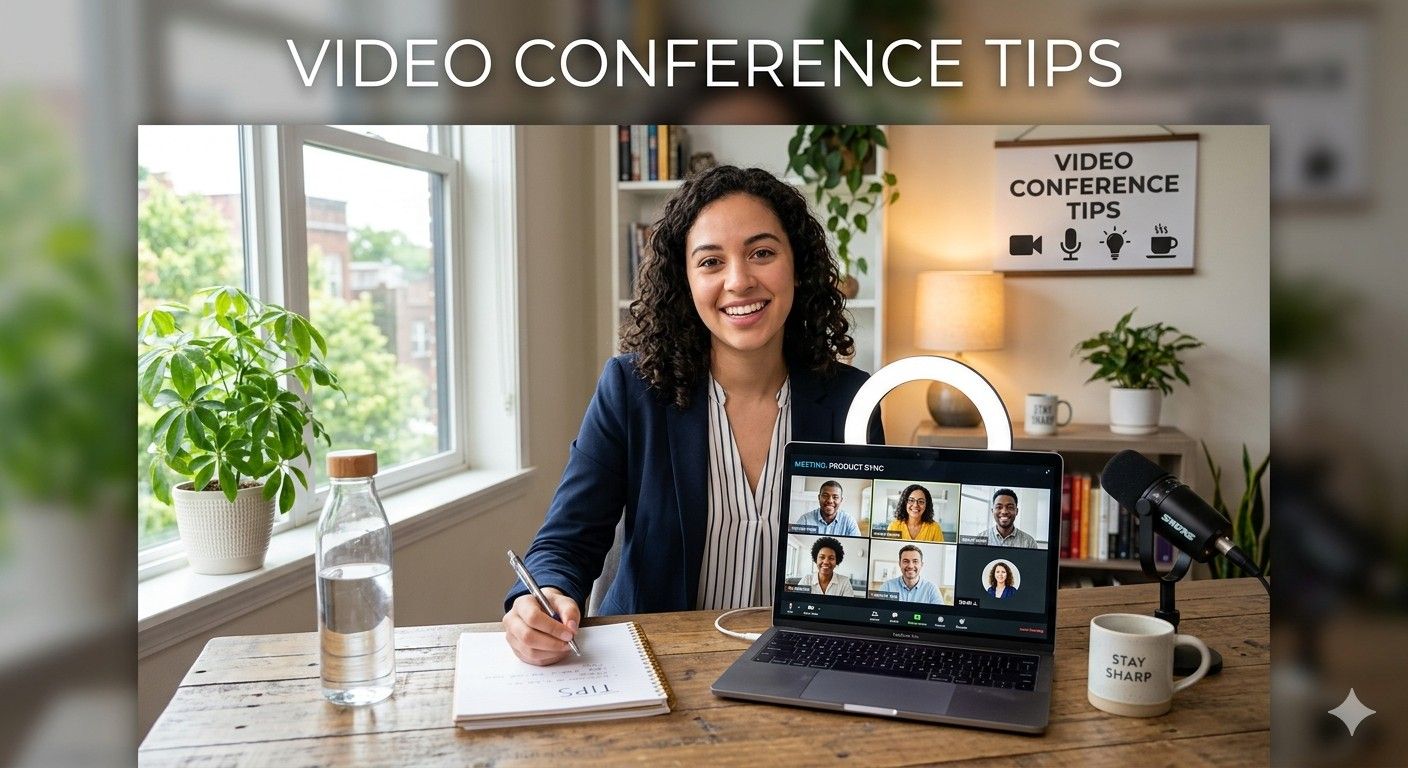
Video meetings have become a standard part of modern work, education, and business communication. Whether you’re attending a team meeting, presenting to clients, conducting interviews, or collaborating with remote colleagues, following the right video conference tips can make a significant difference.
Many people struggle with poor audio, awkward camera angles, distractions, and low engagement during virtual meetings. These issues can affect professionalism, productivity, and communication effectiveness.
This guide shares practical and up-to-date video conference tips that help you look professional, communicate clearly, and create productive virtual meetings in 2026 and beyond.
Why Video Conferencing Skills Matter More Than Ever
Remote and hybrid work models continue to grow worldwide. Organizations now rely heavily on virtual collaboration tools for daily operations.
Strong video conferencing skills help you:
- Build professional credibility
- Improve communication clarity
- Increase meeting productivity
- Reduce misunderstandings
- Create stronger remote relationships
- Make better impressions on clients and employers
Whether you’re using Zoom, Microsoft Teams, Google Meet, or other platforms, mastering essential video conference tips can improve every online interaction.
Essential Video Conference Tips Before the Meeting
Preparation is often the difference between a smooth meeting and a frustrating experience.
Test Your Technology in Advance
One of the most important video conference tips is to check your equipment before the meeting starts.
Verify:
- Internet connection stability
- Camera functionality
- Microphone quality
- Speaker or headset performance
- Meeting software updates
Joining a few minutes early gives you time to resolve unexpected issues.
Choose a Reliable Internet Connection
Poor internet quality can cause:
- Frozen video
- Audio delays
- Connection drops
- Poor screen sharing performance
For important meetings:
- Use wired Ethernet when possible
- Stay close to your Wi-Fi router
- Limit bandwidth-heavy activities
- Keep a mobile hotspot as backup
Prepare Your Meeting Space
Your environment affects how others perceive you.
Create a professional setup by:
- Reducing background noise
- Choosing a clean background
- Ensuring good lighting
- Minimizing distractions
- Informing household members about meeting times
A dedicated workspace improves focus and professionalism.
Optimize Your Camera Setup
Your camera presence influences how engaged and trustworthy you appear.
Position the Camera at Eye Level
A common mistake is placing the laptop too low.
For better eye contact:
- Raise your device using a stand
- Position the camera at eye level
- Look into the camera when speaking
This creates a more natural conversation experience.
Improve Lighting Quality
Good lighting can instantly enhance your appearance.
Best practices include:
- Face a window when possible
- Use soft front-facing light
- Avoid bright lights behind you
- Reduce harsh shadows
Natural lighting remains one of the easiest ways to improve video quality.
Frame Yourself Properly
Keep your head and shoulders visible.
Ideal framing includes:
- Eyes positioned in the upper third of the screen
- Small space above your head
- Balanced composition
- Minimal visual clutter
Professional framing helps maintain audience attention.
Improve Audio Quality During Virtual Meetings
Poor audio is often more disruptive than poor video.
Use a Dedicated Microphone or Headset
One of the most valuable video conference tips is investing in better audio equipment.
Benefits include:
- Clearer voice quality
- Reduced background noise
- Less echo
- Better listener experience
Even affordable USB headsets can dramatically improve communication.
Mute When Not Speaking
Background sounds can distract participants.
Mute yourself when:
- Others are presenting
- You are in a noisy environment
- You’re not actively contributing
This simple habit improves meeting quality for everyone.
Speak Clearly and at a Moderate Pace
Virtual communication can introduce delays.
To improve clarity:
- Speak slightly slower than normal
- Pause between key points
- Avoid interrupting others
- Enunciate clearly
Clear speech reduces misunderstandings and repetition.
Video Conference Tips for Professional Appearance
First impressions still matter in virtual settings.
Dress Appropriately
Match your attire to the meeting context.
Examples:
- Business meetings: Professional clothing
- Client presentations: Business formal
- Internal team meetings: Smart casual
Avoid distracting patterns or overly bright colors.
Maintain Positive Body Language
Non-verbal communication remains important online.
Use:
- Good posture
- Natural facial expressions
- Appropriate hand gestures
- Active listening signals
Positive body language increases engagement and confidence.
Avoid Multitasking
Participants can often tell when someone is distracted.
Avoid:
- Checking emails
- Browsing websites
- Looking at your phone
- Working on unrelated tasks
Focused participation demonstrates professionalism and respect.
Best Video Conference Tips for Meeting Engagement
Many virtual meetings suffer from low participation.
Turn Your Camera On When Appropriate
Visible participants tend to be more engaged.
Benefits include:
- Stronger connection
- Better collaboration
- Improved trust
- Enhanced communication
However, respect organizational policies and individual circumstances.
Encourage Interactive Discussions
Meeting leaders should invite participation.
Effective techniques include:
- Asking direct questions
- Conducting polls
- Using chat features
- Encouraging feedback
Interactive meetings are more productive and memorable.
Practice Active Listening
Active listening involves:
- Paying full attention
- Taking notes
- Asking relevant questions
- Acknowledging key points
This helps improve understanding and collaboration.
Video Conference Tips for Presentations
Presenting virtually requires different skills from presenting in person.
Prepare Visuals Carefully
Effective presentation slides should:
- Use large fonts
- Include minimal text
- Feature clear graphics
- Focus on key messages
Overcrowded slides can overwhelm viewers.
Master Screen Sharing
Before presenting:
- Close unnecessary tabs
- Disable notifications
- Organize files
- Test screen-sharing features
Smooth screen sharing creates a more professional experience.
Keep Presentations Interactive
Virtual audiences lose focus more quickly.
To maintain attention:
- Ask questions regularly
- Use real-world examples
- Include demonstrations
- Encourage audience participation
Interactive presentations improve retention and engagement.
Common Video Conferencing Mistakes to Avoid
Learning what not to do is equally important.
Joining Late
Punctuality demonstrates professionalism.
Try to join:
- Five minutes early for important meetings
- Two to three minutes early for routine meetings
Ignoring Background Distractions
Common distractions include:
- Television noise
- Pets
- Mobile phone alerts
- Cluttered workspaces
Managing distractions improves meeting quality.
Speaking Over Others
Virtual communication delays can create interruptions.
Avoid this by:
- Waiting briefly before speaking
- Using raise-hand features
- Allowing others to finish their thoughts
Respectful communication leads to more productive discussions.
Advanced Video Conference Tips for Remote Teams
Organizations can improve virtual collaboration with strategic practices.
Create Clear Meeting Agendas
Every meeting should have:
- Objectives
- Discussion topics
- Time allocations
- Expected outcomes
Agendas keep meetings focused and efficient.
Record Meetings When Necessary
Recording helps:
- Absent participants stay informed
- Teams review important decisions
- Reduce repeated explanations
Always notify participants before recording.
Establish Meeting Guidelines
Effective teams create shared expectations.
Examples include:
- Camera policies
- Participation standards
- Mute etiquette
- Meeting duration limits
Clear guidelines improve consistency and productivity.
Security and Privacy Best Practices
Cybersecurity remains an important aspect of video conferencing.
Protect Meeting Access
Use:
- Password-protected meetings
- Waiting rooms
- Authenticated participants
- Restricted sharing permissions
These measures reduce unauthorized access.
Share Sensitive Information Carefully
Before screen sharing:
- Close confidential documents
- Hide private messages
- Disable pop-up notifications
Small precautions prevent accidental information exposure.
Future Trends in Video Conferencing
The future of virtual communication continues to evolve.
Emerging trends include:
- AI-powered meeting summaries
- Real-time language translation
- Automated note-taking
- Intelligent noise cancellation
- Enhanced virtual collaboration tools
- Smart meeting analytics
Professionals who adapt to these innovations will gain communication advantages in increasingly digital workplaces.
Frequently Asked Questions
What are the most important video conference tips?
The most important video conference tips include testing your technology beforehand, using good lighting, improving audio quality, maintaining eye contact with the camera, minimizing distractions, and actively participating in discussions.
How can I look more professional during a video call?
Use proper lighting, position your camera at eye level, wear appropriate clothing, maintain good posture, and choose a clean, distraction-free background.
What should I do if my internet connection is unstable?
Close unnecessary applications, move closer to your router, switch to a wired connection if possible, and keep a backup internet option available.
Why is audio quality so important in video meetings?
Clear audio helps participants understand information accurately. Poor audio often causes more communication problems than poor video quality.
How can I make virtual meetings more engaging?
Encourage interaction through questions, polls, discussions, screen sharing, and active participation. Keeping meetings concise also helps maintain attention.
How long should a video conference last?
Most productive meetings last between 30 and 60 minutes. Longer meetings should include breaks and structured agendas to maintain engagement.
Conclusion
Mastering effective video conference tips is no longer optional in today’s digital workplace. From improving your camera setup and audio quality to enhancing engagement and meeting security, small adjustments can dramatically improve your virtual communication experience.
Whether you’re attending team meetings, leading presentations, interviewing candidates, or speaking with clients, applying these video conference tips will help you appear more professional, communicate more effectively, and achieve better outcomes from every online meeting.
Start by implementing just a few of these strategies today, and you’ll quickly notice improvements in confidence, productivity, and collaboration during your virtual meetings.
