
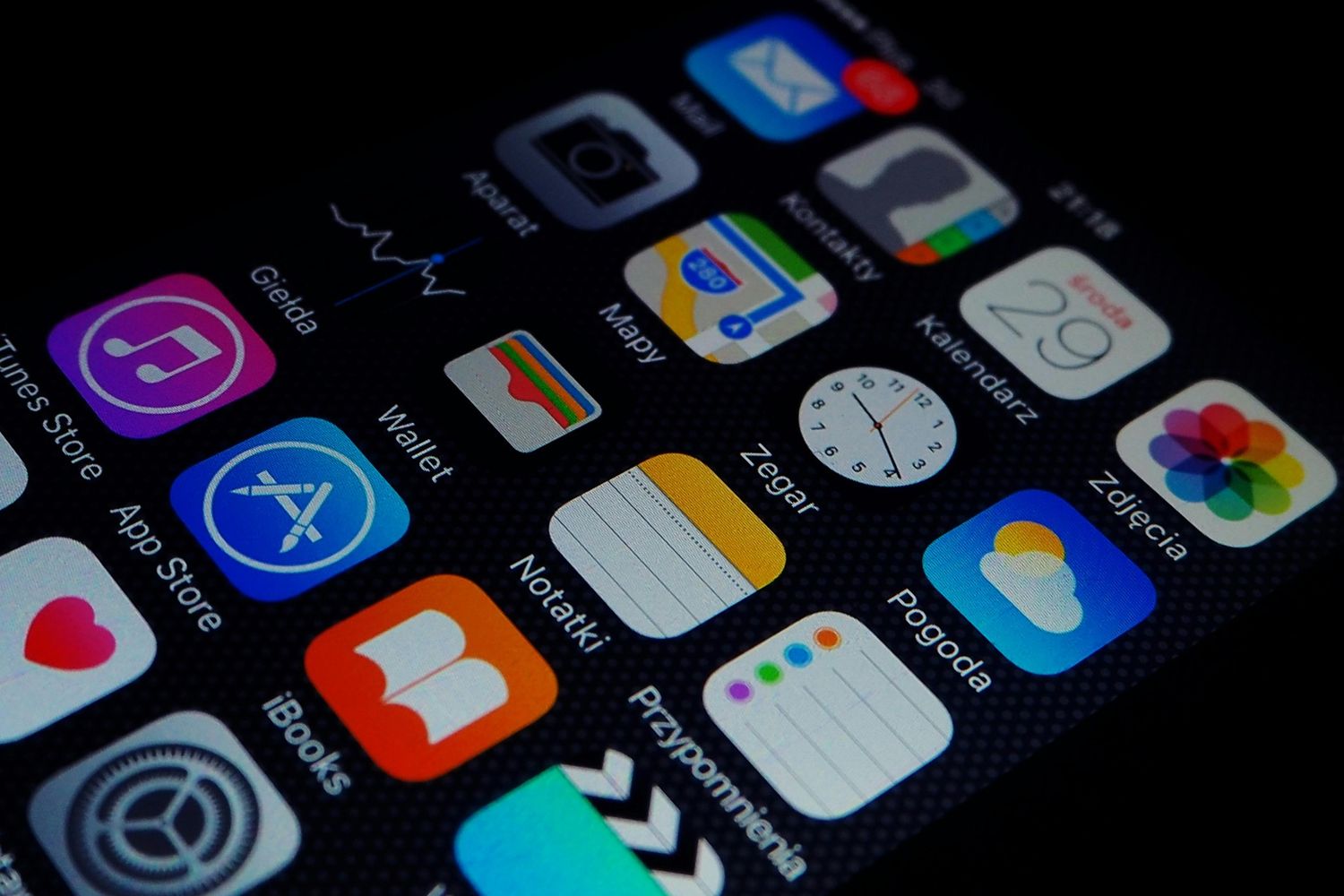
Productivity apps have become an essential part of modern life. Whether you are a student, a professional, or someone managing personal goals, staying organized can feel overwhelming. Tasks pile up quickly. Distractions are everywhere. Time never seems enough.
This is where productivity apps make a real difference. They help you plan your day, manage your tasks, and stay focused on what truly matters. Instead of relying on memory or scattered notes, everything stays in one place and works together smoothly.
In this guide, you will explore what productivity apps are, why they matter, and how they can improve your daily efficiency. You will also learn how to choose the right tools and use them effectively without feeling overwhelmed.
If you want to work smarter, save time, and get more done with less stress, keep reading.
What Are Productivity Apps?
Productivity apps are digital tools designed to help you manage tasks, time, and daily activities more efficiently. They bring structure to your routine and reduce the need to rely on memory or scattered notes. Instead of juggling multiple responsibilities in your head, you can organize everything in one place and track progress easily.
Definition and Core Purpose
Productivity apps are software tools that help individuals and teams plan, organize, and complete tasks more effectively. Their main purpose is to reduce wasted time and improve focus. These tools can include task managers, calendars, note-taking apps, and collaboration platforms.
Most productivity apps work by centralizing information so users can access everything quickly. For example, instead of checking emails, notes, and reminders separately, you can manage them all in one system. This reduces confusion and helps you stay on track. Ultimately, their purpose is simple: help you get more done with less effort.
How Productivity Apps Work
Productivity apps work by combining organization, automation, and reminders into a single system. They allow users to create tasks, set deadlines, and track progress in real time. Many apps also sync across devices, so your data is always accessible whether you use a phone, tablet, or computer.
Some advanced tools include automation features that handle repetitive tasks automatically, such as scheduling emails or setting recurring reminders. Others integrate with different platforms like calendars or communication tools. This creates a smooth workflow where everything is connected. As a result, users spend less time managing tasks and more time completing them.
Why Productivity Apps Are Essential in 2026
In 2026, digital work environments are more demanding than ever. People handle multiple responsibilities across different platforms, often at the same time. Productivity apps help simplify this complexity by bringing structure and clarity. They support better time management, reduce stress, and improve focus in both personal and professional life.
The Rise of Digital Work and Remote Collaboration
Work has become increasingly digital and remote. Teams often collaborate across different time zones using online platforms. This shift has created a need for better organization tools. Productivity apps play a key role in connecting people and tasks in one place.
They allow real-time updates, shared task lists, and instant communication. This reduces delays and confusion in teamwork. As remote work continues to grow, these tools are no longer optional. They are essential for staying aligned and productive in fast-paced environments.
Common Productivity Challenges People Face
Many people struggle with distractions, poor time management, and overwhelming workloads. It is easy to forget tasks or lose track of priorities when everything feels urgent. Switching between multiple tools also wastes valuable time.
Another common issue is lack of structure. Without a clear system, tasks pile up quickly and create stress. This is where digital tools help by providing a centralized space for planning and tracking. They bring order to chaos and make daily work more manageable.
How Productivity Apps Solve These Problems
Productivity apps solve these challenges by simplifying how tasks are managed. They allow users to break large goals into smaller, actionable steps. Reminders ensure deadlines are not missed, while dashboards provide a clear overview of progress.
They also reduce mental load by storing all information in one place. Instead of remembering everything, users can rely on the system. This improves focus and reduces stress. Over time, these tools help build stronger habits and better time management skills.
Key Features to Look for in Productivity Apps
Not all tools are the same. The best productivity apps share certain features that improve usability and efficiency. These include task management, time tracking, collaboration options, automation, and a clean user interface. Choosing the right combination of features is important for long-term success.
Task Management and Organization
Task management is the foundation of any productivity system. It allows users to create, organize, and prioritize tasks in a structured way. You can assign deadlines, categorize work, and track progress easily.
A good system helps break down large projects into smaller steps, making them less overwhelming. This improves clarity and ensures nothing is forgotten. When tasks are organized properly, it becomes easier to stay focused and complete work efficiently.
Time Tracking and Scheduling
Time tracking features help users understand how they spend their day. This creates awareness of productivity patterns and identifies time-wasting habits. Scheduling tools also allow you to plan your day or week in advance.
By setting time blocks for specific tasks, you can improve focus and reduce multitasking. These features help maintain balance and ensure important tasks receive enough attention. Over time, this leads to better time discipline.
Collaboration Tools
Collaboration features are essential for teams. They allow members to share tasks, assign responsibilities, and communicate in real time. This reduces misunderstandings and improves workflow efficiency.
Instead of relying on long email chains, teams can use shared boards or chat systems. This keeps everyone updated and aligned. Collaboration tools make teamwork smoother and more transparent.
Automation and Integrations
Automation helps reduce repetitive tasks by handling them automatically. For example, recurring reminders or auto-scheduling features save time and effort. Integrations connect different tools, such as calendars or email platforms, into one system.
This creates a unified workflow where everything works together. Users no longer need to switch between multiple apps constantly. Automation and integration improve efficiency and reduce manual work significantly.
User Experience and Accessibility
A good user experience is crucial for consistency. If an app is too complicated, users are less likely to stick with it. Clean design, simple navigation, and fast performance make a big difference.
Accessibility also matters. The best tools work across devices and are easy to use anywhere. This flexibility ensures users can stay productive on the go without interruption.
Types of Productivity Apps You Should Know
There are different types of productivity apps, each designed for specific needs. Some focus on tasks, others on notes, time management, or teamwork. Understanding these categories helps you choose the right combination for your workflow.
Task Management Apps
Task management apps help you organize daily responsibilities. You can create to-do lists, set deadlines, and track progress easily. They are ideal for personal planning and professional project management.
These tools reduce mental clutter by keeping everything structured. Instead of remembering tasks, you simply follow your list. This improves focus and ensures consistent progress toward goals.
Note-Taking Apps
Note-taking apps are used to capture ideas, meeting notes, or important information. They keep everything organized in one digital space. Many also support tagging and search features for easy access.
These tools are useful for students and professionals alike. They ensure that important thoughts are never lost and can be reviewed anytime when needed.
Time Management Apps
Time management apps help users plan and control their schedule. They include timers, calendars, and focus tools. Some also use techniques like Pomodoro timers to improve concentration.
These apps help users stay aware of how time is spent. This leads to better discipline and improved productivity throughout the day.
Collaboration and Communication Apps
These apps are designed for teamwork. They include chat systems, shared boards, and file-sharing features. Teams can communicate instantly and stay aligned on tasks.
They reduce delays and improve coordination, especially in remote environments. Clear communication leads to faster decision-making and smoother workflows.
Automation Apps
Automation apps reduce repetitive work by handling tasks automatically. They can schedule posts, send reminders, or connect different tools.
This saves time and reduces manual effort. Users can focus on more important work while the system handles routine actions in the background.
Benefits of Using Productivity Apps
Productivity apps offer many advantages, from better organization to improved focus. They help users manage time effectively and reduce stress. Over time, they also support better work habits and increased output.
Improved Time Management
These tools help users plan their day more effectively. By setting priorities and deadlines, time is used more wisely. This reduces wasted hours and increases efficiency.
Better Organization and Clarity
Everything is stored in one place, making it easier to find and manage tasks. This reduces confusion and improves clarity in daily work.
Enhanced Focus and Reduced Distractions
By structuring tasks, users can focus on one thing at a time. This reduces distractions and improves concentration during work sessions.
Increased Output with Less Effort
When systems are organized, tasks get completed faster. Users achieve more without feeling overwhelmed or overworked.
Work-Life Balance Improvements
Better planning leads to less stress and more free time. This helps maintain a healthier balance between work and personal life.
How to Choose the Right Productivity Apps for Your Needs
Choosing the right tool depends on your goals and workflow. Not every app fits every user. It is important to evaluate your needs carefully before committing.
Identify Your Goals
Start by understanding what you want to improve. It could be time management, task tracking, or teamwork. Clear goals make selection easier.
Assess Your Workflow
Look at how you currently work. Identify pain points and inefficiencies. This helps you choose tools that solve real problems.
Compare Features and Pricing
Different apps offer different features. Compare options based on usefulness and budget. Free versions may be enough for basic needs.
Test Before Committing
Most apps offer free trials. Testing helps you understand usability and fit. This prevents wasting time on unsuitable tools.
Common Mistakes to Avoid When Using Productivity Apps
Many users make mistakes that reduce effectiveness. Avoiding these issues ensures better long-term results.
Using Too Many Apps at Once
Switching between multiple tools creates confusion. It is better to stick to a few effective ones.
Overcomplicating Your Workflow
Too many steps can reduce productivity instead of improving it. Keep systems simple and easy to follow.
Ignoring Learning Curves
Every app takes time to learn. Skipping this step can lead to poor usage and frustration.
Not Reviewing or Updating Your System
Regular updates are important. Without review, systems become outdated and less effective.
Best Practices for Getting the Most Out of Productivity Apps
To get real results, you need consistent habits and smart usage. These practices help maximize efficiency.
Start Simple and Scale Gradually
Begin with basic features. Add complexity only when needed.
Set Clear Goals and Priorities
Know what matters most. This keeps your focus sharp.
Use Automation Wisely
Automate repetitive tasks but avoid over-reliance.
Review and Optimize Regularly
Check your system often and make improvements when needed.
Stay Consistent
Consistency is key. Use your system daily for best results.
Are Productivity Apps Always Effective?
These tools are helpful, but not perfect. Their effectiveness depends on how they are used.
Limitations and Downsides
Overuse can lead to distraction. Some users spend more time managing tools than working.
When Productivity Apps Might Not Help
Without discipline or clear goals, even the best tools cannot improve productivity. Habits matter more than software.
Future Trends in Productivity Apps
Productivity tools continue to evolve with technology. New features are making them smarter and more efficient.
AI-Powered Automation
Artificial intelligence is improving task automation and suggestions.
Personalized Productivity Insights
Apps are beginning to analyze user behavior and offer tailored advice.
All-in-One Platforms
More tools are combining multiple features into a single system.
Cross-Device Synchronization
Seamless syncing across devices is becoming standard for convenience.
Frequently Asked Questions (FAQs)
What are the best productivity apps for beginners?
Beginner-friendly tools are simple, easy to use, and focus on basic task management and notes.
Are free productivity apps worth it?
Yes, many free tools offer enough features for personal use and small projects.
How many productivity apps should I use?
It is best to use a small set of tools to avoid confusion and overlap.
Can productivity apps really improve efficiency?
Yes, but only when used consistently with good habits and clear goals.
