
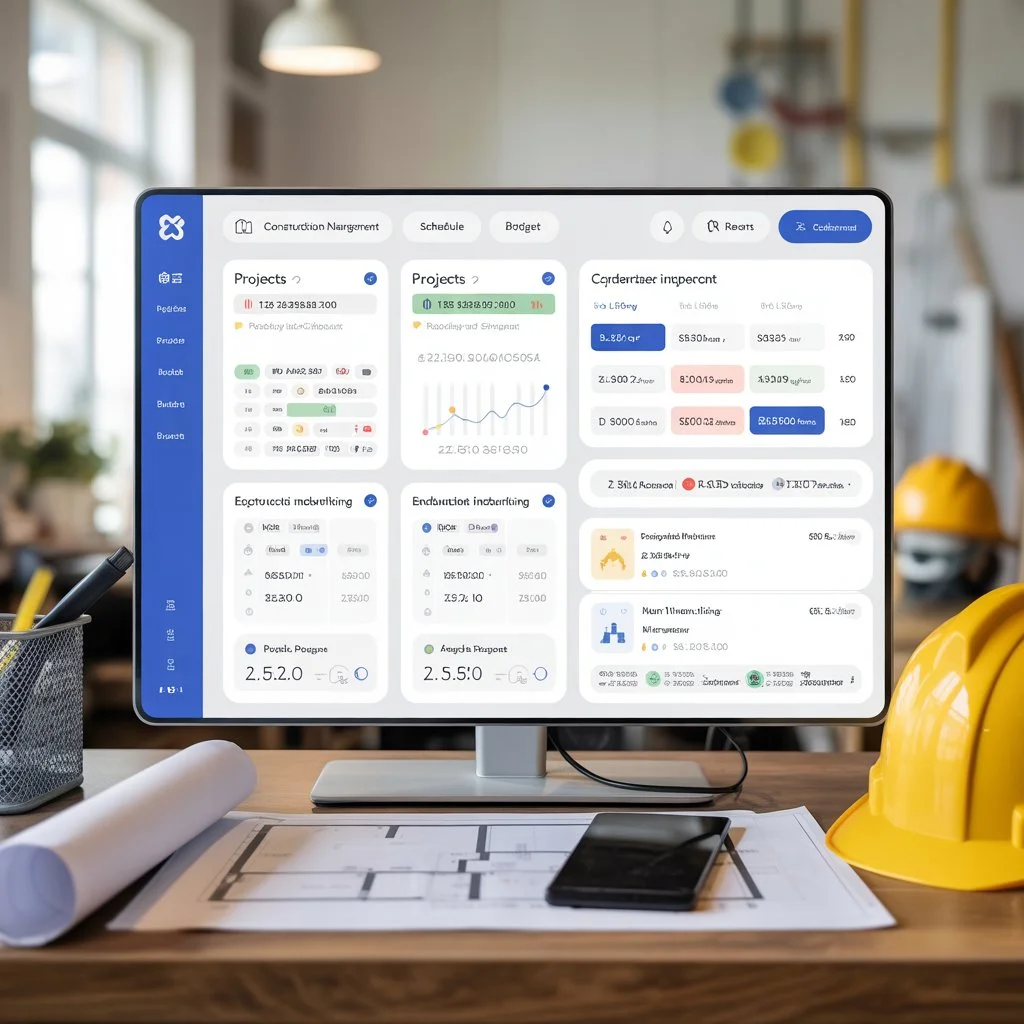
In an industry where margins are thin and timelines are tight, construction management software for small business isn’t just “nice to have” — it’s a strategic necessity. Small contractors, builders, and specialty subcontractors are increasingly ditching spreadsheets for integrated platforms that unify scheduling, cost tracking, field reporting, document control, and client communication. Solutions such as Buildern, Contractor Foreman, Procore, and ClickUp have emerged as leaders that help small teams punch above their weight. Unlike generic project tools, dedicated systems offer construction-specific workflows — from RFIs and change orders to daily logs and compliance checklists. In this long-form, expert-driven guide, we’ll explore the technology landscape, real practical use cases, and an actionable framework to select, implement, and maximize the ROI of construction management software tailored for small businesses.
Concept
At its core, construction management software for small business is a digital platform designed to centralize and automate the operational workflows of construction projects. Rather than manually juggling spreadsheets, paper plans, email chains, and disconnected apps, these systems provide a single source of truth for project planning, document management, budget tracking, scheduling, subcontractor communication, and reporting. More than just digital checklists, modern tools often include:
- Real-time budgeting and job costing
- Gantt charts and schedule visualization
- Field data capture and daily logs
- Compliance and safety tracking
- Subcontractor & change order management
- Integrated document libraries
This consolidation translates into reduced manual errors, improved visibility into job performance, and faster decision-making across office and field teams.
Why It Matters
Small construction businesses face unique challenges:
- Tight budgets and slim profit margins
- Lean teams that must multitask across roles
- High administrative workloads with low tech support
- Competitive pressures to deliver faster with fewer resources
Without a structured system, these realities lead to delayed projects, budget overruns, miscommunication with subcontractors, and client dissatisfaction. Construction management software solves these pain points by:
- Eliminating data silos between office and job site
- Standardizing processes for estimating, billing, and compliance
- Improving forecasting and real-time budget visibility
- Reducing the need to juggle multiple disconnected tools
Crucially, these platforms help small businesses appear more professional to clients — a competitive differentiator when bidding for work.
Current Trends & Market Data
In 2026, the market for construction management solutions is both maturing and diversifying. Key trends include:
- Cloud adoption: More tools are fully cloud-native, offering mobile field access and real-time updates.
- Automation: Platforms are integrating AI and automation to handle repetitive tasks like schedule updates or budget alerts.
- Integration ecosystems: Leading systems connect with accounting software (e.g., QuickBooks), CRM tools, bidding platforms, and estimating suites.
- Affordable tiers: Providers such as Contractor Foreman and ClickUp offer competitive pricing and scalable plans tailored to small teams.
Analyst data shows that small firms with digital workflows see up to 30% improvement in schedule adherence and a 10–20% gain in profit margins due to reduced waste and better cost control. Those adopting integrated document management report fewer contract disputes and faster approval cycles.
Expert Breakdown (Deep Section)
To truly understand construction management software’s value, we need to examine how capabilities map to real field challenges:
Project Control vs. Administrative Burden
Small firms traditionally rely on:
Spreadsheets + Email:
- Fragmented updates
- Manual version control
- High risk of lost data
Construction Software:
- Centralized dashboards
- Automatic versioning & alerts
- Mobile field entry
This shift alone reduces time spent on administrative chores by 40–60%.
Financial Visibility
Budget overruns often happen because:
- Costs are recorded too late
- Subcontractor changes aren’t logged promptly
- Time tracking is manual or inconsistent
Software with job costing features provides live budget vs. actual comparisons, helping small contractors stay profitable.
Compliance & Risk
Even small jobs require regulatory compliance, safety checklists, and documentation. Systems that capture inspection logs, safety records, and RFIs reduce liability and improve project handovers.
Frameworks, Models & Principles
To implement a construction software solution effectively, adopt the 5D Framework:
- Define Needs: Categorize workflows — scheduling, cost tracking, field reporting, document control.
- Discover Fit: Match needs to platforms (e.g., simple tools vs. comprehensive suites).
- Deploy Strategically: Set up with real project templates, not generic defaults.
- Drive Adoption: Train office and field users; designate champions.
- Drive Value: Monitor KPIs — schedule variance, cost variance, change order frequency.
This structured approach prevents common pitfalls such as adopting features you never use or overcomplicating workflows.
Step-by-Step Guide
Step 1: Audit Current Processes
Map how you currently schedule tasks, track costs, manage documents, and communicate with crews or subs.
Step 2: Prioritize Must-Have Features
Examples include real-time cost tracking, mobile field entry, subcontractor workflows, and reporting.
Step 3: Evaluate Tools Side-by-Side
Focus on affordability and relevance to small business requirements. Procore may be robust but expensive for small jobs; Buildern and Contractor Foreman offer more balanced pricing.
Step 4: Pilot With a Live Project
Test with a real project rather than sandbox data to uncover practical fit.
Step 5: Train & Scale
Provide hands-on onboarding for both office and field users to ensure adoption.
Tools / Software / Platforms
Below are top platforms often recommended for small construction firms:
| Platform | Best For | Strengths |
|---|---|---|
| Buildern | All-around project & cost management | Intuitive UI, integrated estimating |
| Contractor Foreman | Budget-friendly all-in-one | Scheduling, invoices, subs |
| Procore | Comprehensive oversight | Financial reporting, RFIs |
| ClickUp | Customizable workflows | Flexible task management |
| AccuLynx | Roofing & trade contractors | CRM + workflow integration |
Each caters to slightly different needs — from lightweight scheduling to full lifecycle control. Evaluate based on your firm’s project scale and growth path.
Advantages & Limitations
Advantages:
- Centralized data reduces rework and silos
- Better forecasting and cost management
- Real-time collaboration between field and office
Limitations:
- Some platforms have steeper learning curves
- Overly complex features may overwhelm small teams
- Pricing can vary significantly as you scale
Real Examples / Case Insights
A residential contractor increased on-time deliveries by 25% after switching from spreadsheets to construction software that unified scheduling and cost tracking. Another small GC reduced rework by 15% by capturing daily crew reports via mobile app instead of paper checklists.
Common Mistakes
- Choosing tools based solely on price
- Ignoring mobile field capabilities
- Not training staff thoroughly
- Implementing without measurable KPIs
Best Practices
- Prioritize user experience — field crews must adopt mobile tools.
- Integrate with accounting systems to avoid duplicate data entry.
- Standardize templates for proposals, RFIs, and daily logs.
- Review performance quarterly to optimize usage.
Comparisons
| Feature | Buildern | Contractor Foreman | Procore |
|---|---|---|---|
| Budget Tracking | ✔️ | ✔️ | ✔️ |
| Mobile Field App | ✔️ | ✔️ | ✔️ |
| RFIs / Submittals | ❌ | ✔️ | ✔️ |
| Document Control | ✔️ | ✔️ | ✔️ |
| Price Suitability | Small/Mid | Small | All Sizes |
FAQs
Q1: What features should a small construction business look for in software?
Look for real-time budget tracking, scheduling tools with Gantt views, mobile field access, and document control — essentials that replace spreadsheets and email chaos.
Q2: Is construction management software worth the investment for a small contractor?
Yes — it centralizes workflows, reduces errors, improves profitability, and brings visibility that spreadsheets can’t match.
Q3: Can small businesses start with lightweight or free tools?
Yes. Many like ClickUp offer free or low-cost plans to begin, with the option to upgrade as your needs grow.
Conclusion
For small construction businesses, moving to construction management software is no longer optional — it’s a strategic advantage. With the right platform and implementation strategy, small teams can cut costs, improve visibility, streamline communication, and deliver projects more consistently. The key isn’t just picking software — it’s adopting a structured approach that aligns with your workflows, trains your team, and measures real business outcomes. As the industry evolves, firms that leverage these tools intelligently will be better positioned to compete, grow, and improve profitability in 2026 and beyond.
